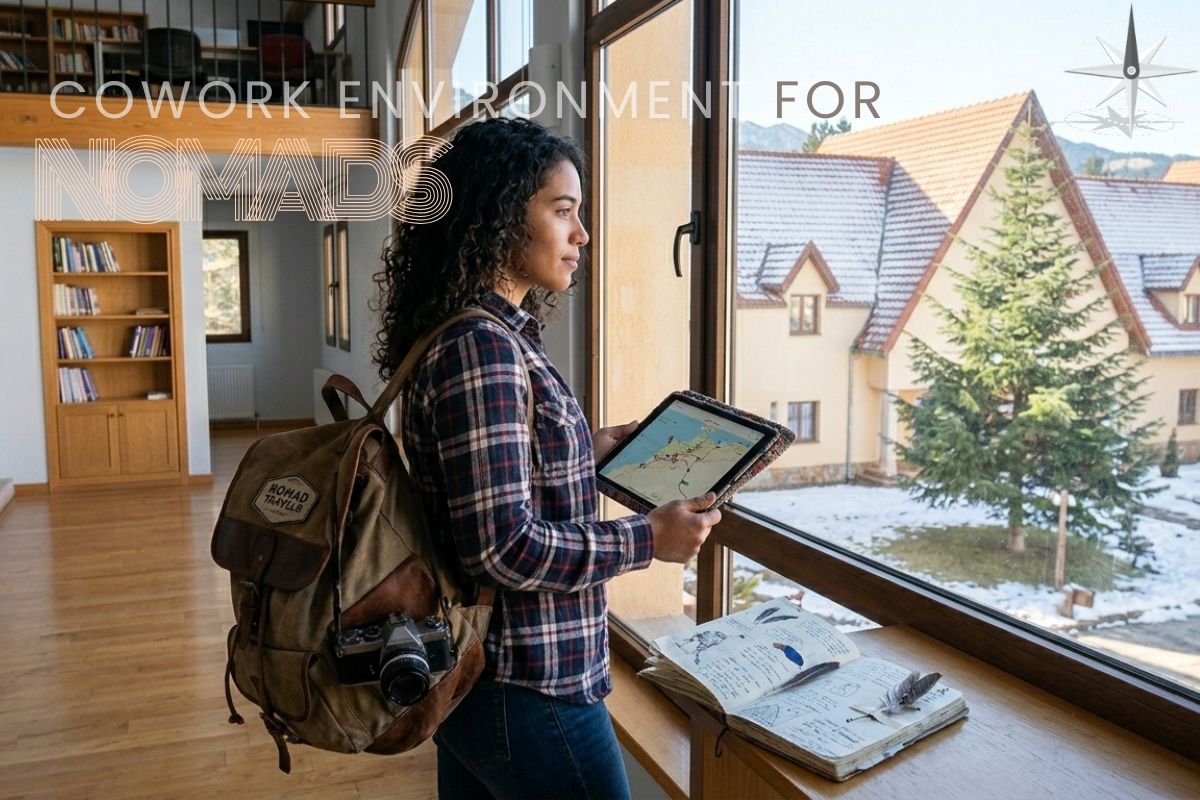
Sick of enduring yet another carbon-copy morning commute? Daydreaming of trading in your cubicle for a beach chair? Then maybe it’s time you joined the freewheeling
Thanks to this era’s hyperconnectivity, globetrotting professionals can stay productive from virtually anywhere on the planet—even that tiny Croatian village or remote Icelandic valley.
Don’t you deserve to wake up in a new Land of Opportunity every morning?
Well, buckle up and reapply that sunscreen because we’re going to take you on a ride through the essential tools and tactics that power the
From cutting-edge workflow apps to indispensable communication platforms, we’ll explore the tech nomads use to craft an upbeat, envy-inducing work life from virtually any corner of the globe.
Your office is redefined. The first is:
Communication Tools
Staying Connected with Teams and Clients
Effective communication is essential when working remotely. Digital nomads use various platforms to interact with coworkers, clients, and collaborators across time zones and locales.
Video Conferencing
Video conferencing tools are now essential for online meetings, presentations, and in-person conversations. Some highly valuable tools include:
- Zoom: Zoom facilitates smooth video calls, webinars, and virtual events. It is well-known for being dependable and simple to use. Recording capabilities, breakout rooms, and screen sharing are among its functions.
- Microsoft Teams: Teams is a complete collaboration platform for remote teams. It offers video conferencing, chat, and file sharing, all integrated with Microsoft Office 365.
- Google Meet: Google Meet is a simple, user-friendly video conferencing tool that is a part of Google Workspace and works well with other Google applications.
Messaging Apps
Tools for instant messaging make it easier to communicate in real-time and quickly exchange information.
- Slack: Often used by remote workers, Slack provides channels for structured chats, direct messaging, and app integration.
- Microsoft Teams: This platform offers comprehensive messaging capabilities, including threaded chats and connections with Microsoft services, as well as video conferencing.
- WhatsApp: This messaging app provides phone, video, and encrypted chat for more casual contact. It’s especially helpful for keeping in touch with clients and team members worldwide.
Email Management
Effective email management is essential for digital nomads to maintain professional and organized communication.
- Gmail: Gmail, a component of Google Workspace, offers strong email management with tools like filters, labels, and effective search.
- Outlook: Microsoft’s email service includes advanced email organizing tools, calendar management, and connection with other Office products.
- ProtonMail: ProtonMail provides end-to-end encrypted email services for individuals who value privacy and security above all else.
Project Management Tools
Keeping Projects on Track
Digital nomads need project management tools to effectively plan, carry out, and monitor their jobs. These applications facilitate the management of assignments, due dates, and remote team collaboration.
Task Management
- Trello: Trello organizes tasks and projects using a visual board system. Its drag-and-drop interface facilitates team collaboration and progress tracking.
- Asana: With capabilities like workload management, timeline views, and task dependencies, Asana provides a more complete project management solution.
- Todoist: Todoist offers an easy-to-use interface for creating, prioritizing, and tracking tasks and projects, making task management more straightforward.
Comprehensive Project Management
- Basecamp: Basecamp is the best platform for project collaboration since it integrates scheduling, file storage, task management, and messaging.
- Monday.com: Monday.com is well-known for its adaptability. It enables teams to personalize processes and automate time-consuming chores to boost output.
- ClickUp: ClickUp provides a configurable workspace together with an extensive feature set for project management, including goal tracking, task management, and time monitoring.
File Sharing and Collaboration
Seamless Document Management
Effective file sharing and teamwork are essential for digital nomads accessing and editing papers from different places.
Cloud Storage
- Google Drive: Google Drive provides online storage and strong teamwork features. Its seamless integration with Google Sheets, Slides, and Documents allows for real-time editing and commenting.
- Dropbox: Dropbox offers advanced capabilities like file synchronization, version history, integration with other productivity applications, and secure file storage and sharing.
- OneDrive: Included in Microsoft Office 365, OneDrive provides cloud storage, strong collaboration tools, and Office 365 application integration.
Also See: Photography tools!
Document Collaboration
- Google Workspace: Google Workspace facilitates simultaneous document collaboration among several users by offering Google Docs, Sheets, and Slides.
- Microsoft Office 365: This suite of programs provides online versions of Word, Excel, and PowerPoint, as well as OneDrive integration and real-time collaboration.
- Quip: A Salesforce collaboration solution, Quip improves team efficiency by combining documents, spreadsheets, and chat in one location.
Time Management and Productivity Tools
Maximizing Efficiency
Despite the distractions of a nomadic lifestyle, digital nomads may maintain organization and focus on their duties with the aid of time management and productivity tools.
Time Tracking
- Toggl: Toggl provides easy-to-use time tracking so you can keep track of your time spent on various projects and tasks.
- RescueTime: RescueTime offers thorough insights into your time usage, which can be used to spot productivity trends and areas in need of development.
- Clockify: The free time tracking application Clockify allows you to keep track of your billable hours, generate reports, and register your hours worked.
Focus and Productivity
- Forest: Forest employs a gamified strategy to assist users in maintaining focus. One approach to urge yourself to avoid using your phone and be busy is to create a virtual tree.
- Focus@Will: This software offers well-chosen music selections that are meant to improve focus and productivity.
- Pomodone: Pomodone, which is based on the Pomodoro Technique, assists in dividing work into intervals and taking pauses to maintain attention and avoid burnout.
Financial Management Tools
Managing Finances on the Go
Digital nomads must effectively handle all aspects of their financial management, including budgeting, spending monitoring, and invoicing.
Invoicing and Payments
- FreshBooks: For independent contractors and small business owners, FreshBooks makes time tracking, expenditure tracking, and invoicing easier.
- Wave: Wave provides free accounting and invoicing software, including payment processing, expense tracking, and receipt scanning.
- PayPal: Due to its user-friendliness and security, PayPal is a popular choice for sending and receiving money internationally.
Expense Tracking
- Expensify: By letting customers track spending, scan receipts, and generate reports, Expensify automates expenditure reporting.
- QuickBooks: This all-in-one accounting program offers financial reporting, invoicing, and spending management.
- Mint: This app tracks spending, makes budgets, and offers financial insights to manage personal money.
Cybersecurity Tools
Protecting Your Digital Presence
Cybersecurity is essential for digital nomads to preserve their privacy and safeguard critical data while working remotely.
Virtual Private Networks (VPNs)
- NordVPN: NordVPN provides private and secure internet access, shielding your information from prying eyes and hackers.
- ExpressVPN: ExpressVPN offers a large selection of server locations, and encrypted connections, and is renowned for its speed and dependability.
- CyberGhost: CyberGhost provides VPN services that are easy to use and come with robust security and privacy features.
Password Management
- LastPass: Passwords are easily managed and securely accessed with LastPass’s encryption and storage feature.
- 1Password: For all of your accounts, 1Password provides strong, one-of-a-kind password generation and safe password storage.
- Dashlane: Dashlane offers integrated VPN security, password management, and safe storage.
Antivirus Software
- Norton: Norton provides complete cybersecurity and antivirus solutions, including safe VPN and malware prevention.
- Bitdefender: Bitdefender offers cutting-edge antivirus protection and features like safe online browsing and real-time threat detection.
- McAfee: McAfee provides strong antivirus defense, identity theft prevention, and safe VPN services.
Travel and Accommodation Tools
Simplifying Travel Logistics
Digital nomads require remote work tools to organize their travel schedules and book appropriate lodging because they move around a lot.
Travel Planning
- Skyscanner: Users can compare hotels, flights, and rental cars using Skyscanner to help them locate the best travel bargains.
- Hopper: Hopper helps consumers save money on travel expenses by predicting flight prices and notifying them when to purchase for the best deals.
- TripIt: TripIt arranges travel schedules by combining itinerary components into a centralized, user-friendly interface.
Accommodation
- Airbnb: From short-term rentals to long-term stays, Airbnb provides a variety of lodging options to suit different budgets and tastes.
- Booking.com: Booking.com offers comprehensive listings featuring user reviews and customizable booking options for hotels, apartments, and hostels.
- Nomad List: Nomad List rates cities according to their suitability for digital nomads, taking into account things like quality of life, internet speed, and cost of living.
- Collaboration and Teamwork Tools
Enhancing Team Productivity
Collaboration tools promote productivity and teamwork by allowing digital nomads to work easily with remote work teams.
Collaborative Platforms
- Notion: Notion is a flexible platform that integrates note-taking, project management, and database construction, making it perfect for teamwork.
- Miro: Miro provides a real-time online whiteboard for planning, brainstorming, and project collaboration.
- Airtable: Spreadsheets and databases may work together more effectively when teams use Airtable to organize and communicate on projects.
File Collaboration
- Dropbox Paper: With Dropbox Paper, groups can collaborate to create, share, and edit papers in real-time.
- Microsoft SharePoint: SharePoint integrates with Office 365 to streamline document management and collaboration within businesses.
- Confluence: Atlassian Confluence is a collaboration platform that facilitates team creation, sharing, and organization of knowledge bases and project documentation.
Conclusion
Using these tools will improve your remote work productivity, teamwork, and overall experience as you start or continue your adventure as a
Professional assistance in web construction, content creation, and marketing is easily accessible for those wishing to forge their identity and establish a powerful online presence.
Check out my favorite freelancer on Fiverr to relieve stress and realize your dream of becoming a globally successful