Essential Tools for Location-Independent Freelancers: The Stack That Actually Works in the Field
The Tool Stack Nobody Talks About Honestly
The first time the electricity went out in the guesthouse where I was working, I was 40 minutes from a client call, three folders deep into a project handoff, and running on 18 percent battery. I had the call. The client never knew anything was wrong. The reason that was possible was not because I stayed calm under pressure. It was because I had already built the infrastructure to absorb exactly that kind of failure.

Most articles about tools for location-independent freelancers read like software review listicles. This one is the stack I actually use, built through several years of working remotely from mountain towns, coastal villages, and the occasional airport gate that turned into an unexpected overnight. I will tell you what the tools are, what each one is actually for, and the specific moment it proved its value.
“The tools you need as a location-independent freelancer are not the most advanced ones. They are the ones that keep the work invisible to the client when everything around you is going sideways.”
Security First: Password Manager and VPN
I run a password manager across every device I own. It generates strong unique logins, stores them encrypted, and syncs across laptop, phone, and tablet so I am never locked out of a client platform because I am on a different machine than usual. I paired this with two-factor authentication on every account that supports it the first week I went fully location-independent. This is not optional infrastructure. A client account breach when you are working from a rented apartment in another country is a credibility problem that no apology recovers from.

The VPN runs every time I use a network I did not set up myself. That covers coffee shops, coworking spaces, hotel Wi-Fi, and guesthouse routers. I treat it exactly like a seatbelt: it goes on before the car moves, not after something goes wrong. Several clients have specifically asked about my data security setup during onboarding. Having a straight answer ready is part of the professional picture.
FIELD NOTE:
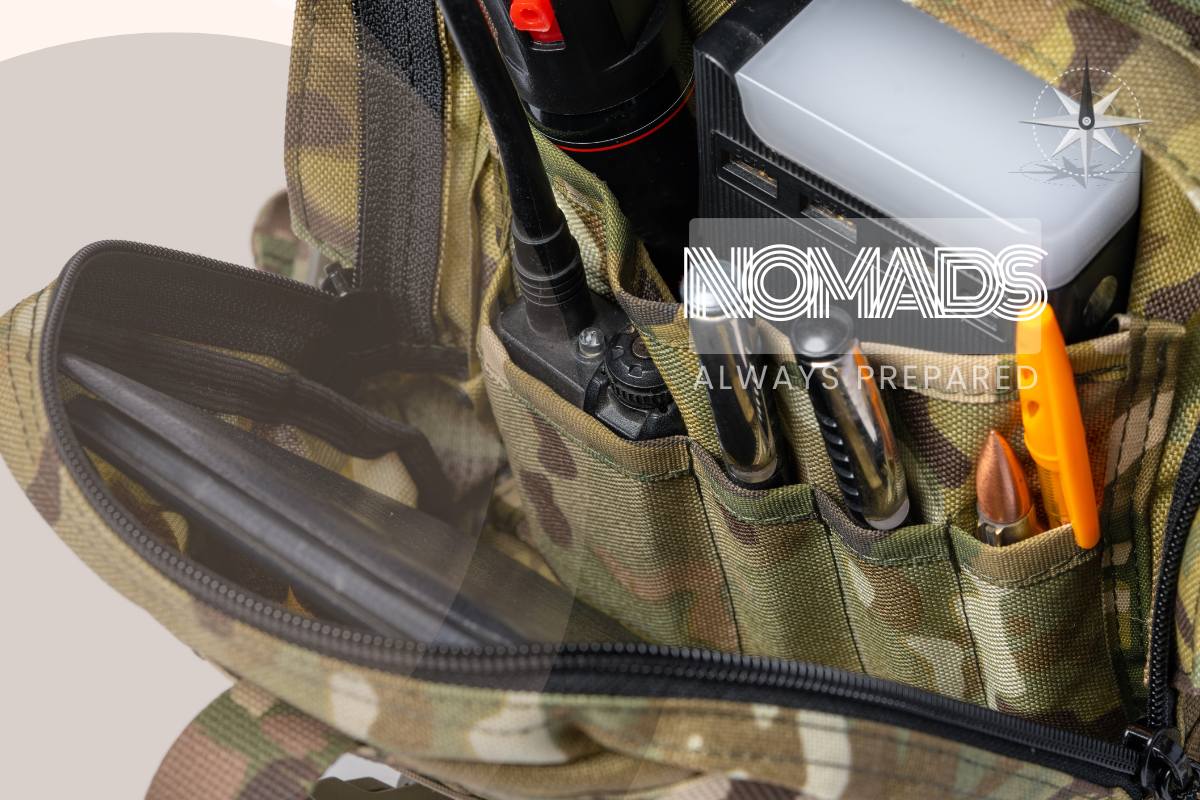
The power bank came out of a travel backpack in a train station in Slovenia when my laptop reached four percent during a deliverable review. A 20,000 mAh battery adds approximately two full laptop charges and fits in a jacket pocket. This is the piece of hardware that has saved a client relationship more than once.
Cloud Storage That Works When the Internet Does Not
I keep every active project folder synced offline on my laptop. The specific tool matters less than the behavior: selective sync means only the folders I am currently working on live locally, which keeps the drive uncluttered, and version history means that when a client asks for the file as it was before the last round of changes I can find it in two minutes rather than explaining why it no longer exists.
The offline sync has been practically useful more times than I can count precisely because working from locations with variable connectivity is the point. A mountain town with slow Wi-Fi is not a reason to miss a deadline. It is a reason to have already downloaded the files you need before you drove up the mountain road.
Cloud storage with offline sync is not a backup strategy. It is a working strategy. The files need to be where you are, not where the Wi-Fi is.
The Project Hub That Keeps Promises Visible
My project hub is a Notion workspace with three sections: pipeline showing what is coming, active showing what is in progress, and archived showing what is done. Each active project has a kickoff checklist, a milestone list, and a handoff checklist. Client notes live next to the deliverable tracking so I do not have to switch between apps to remember what was agreed in the last call.

The practical benefit of this is that when I come back from a morning shoot or a half-day on a trail, I open one page and immediately know what needs to happen next. There is no mental reconstruction of where things stand. That re-entry speed matters when the working day is compressed around outdoor time, travel, or an unpredictable location.
Communication That Does Not Need Perfect Bandwidth
I made a rule early on: no client relationship depends on a live call that cannot be replaced by a recorded video message or a detailed email. That does not mean I avoid calls. It means I have built communication habits that function when the bandwidth is low or the time zone gap is large.
I use asynchronous video messages for complex feedback rounds and project updates. I keep a folder of email templates for the seven or eight moments that recur in every project: kickoff confirmation, feedback request, and revision round acknowledgement, final delivery, and testimonial request. These templates take approximately ninety seconds to personalize and send. They make the communication side of client relationships feel low-friction and professional regardless of where I am sitting when I write them.
Invoicing, Contracts, and the Go Kit
I use invoicing software with automatic payment reminders and multiple payment method options. Late payment follow-up is the most time-consuming administrative task in freelancing and automating the reminders removed it from my calendar entirely. I default to fifty percent upfront on every new client and sixty days net on any ongoing retainer. Those terms are written into the proposal template and the e-signature contract before any work begins.
The physical go kit lives in a small pouch that moves with my laptop bag: USB-C hub, two-country power adapters, charging cables for every device, a portable SSD with project archives, and noise-isolating earbuds for client calls in busy spaces. The first time you need something in that pouch and find it immediately is the moment the kit pays for itself. The first time you need something and it is not there is more expensive.
Coworking Access for the Days That Count
Working from a café is fine for writing and light admin. A deliverable that requires a video call, a large file upload, or four uninterrupted hours of focused work is a different situation. I keep a coworking day pass in my planning for every week I am in a new location.
The practical value is not just the Wi-Fi or the desk. It is the professional environment that makes client calls feel different from calls taken in a guesthouse bedroom.
The background is clean, the audio is better, and the mental frame shifts. In 2024 there were close to 42,000 coworking spaces globally. In most towns I have worked from, there is at least one within a short walk or a cheap taxi ride. Finding it in the first 48 hours of a new base is now part of my arrival routine.
How to Build This Stack without Drowning in Subscriptions
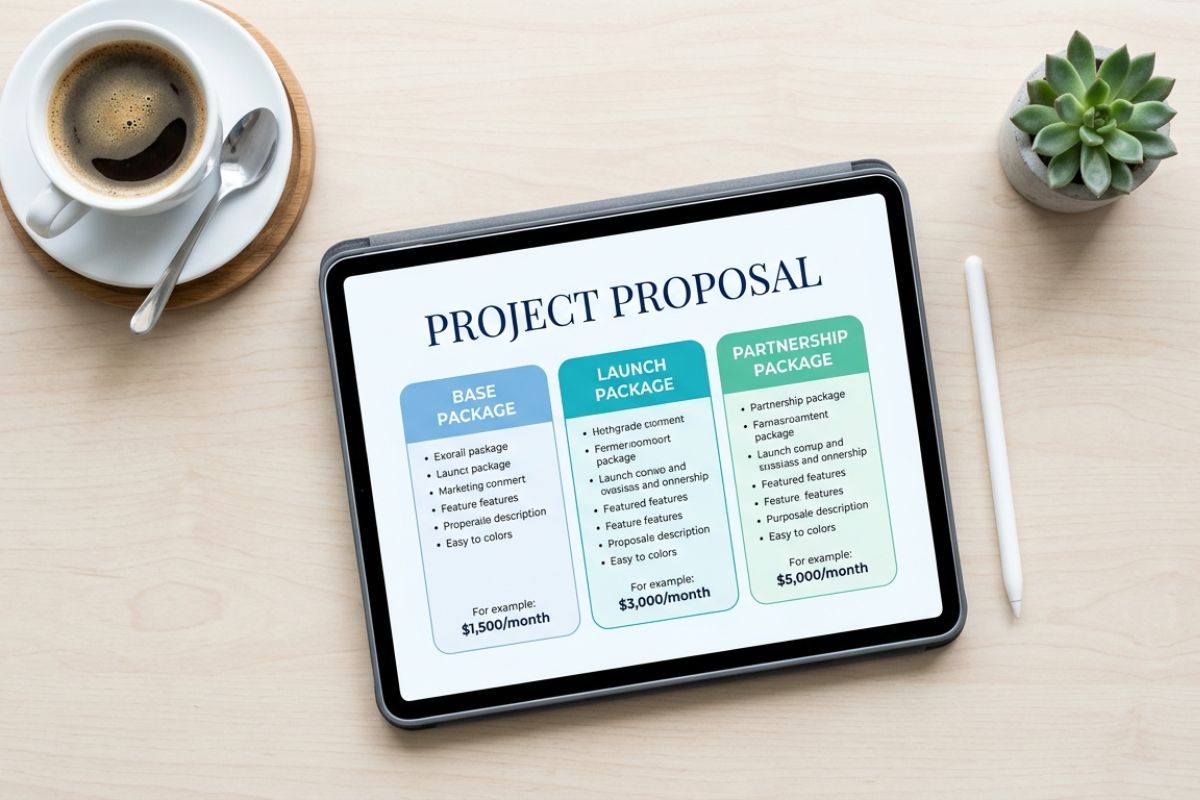
The goal of this tool stack is not to have the most software. It is to have the minimum infrastructure that makes the work invisible to the client regardless of where you are. Most of these tools have free tiers that are sufficient until the volume of your work justifies upgrading. Start with the four core tools.
Add one layer at a time as a specific problem makes the need obvious.
Review the stack every three months the same way you review the portfolio and the pipeline numbers. Ask whether each tool is actively earning its place. Cut anything that is running in the background without solving a real problem.
The lightest stack that keeps everything running is the right one. The point of the tools is to create the freedom to work from anywhere. They should not become a second job to manage.
What is the one tool in your location-independent setup that you would not give up regardless of what else got cut?
And what is the thing you wish you had added earlier rather than later?
Drop it in the comments below.